
Use your Customers Shoes to View the Whole Lifecycle
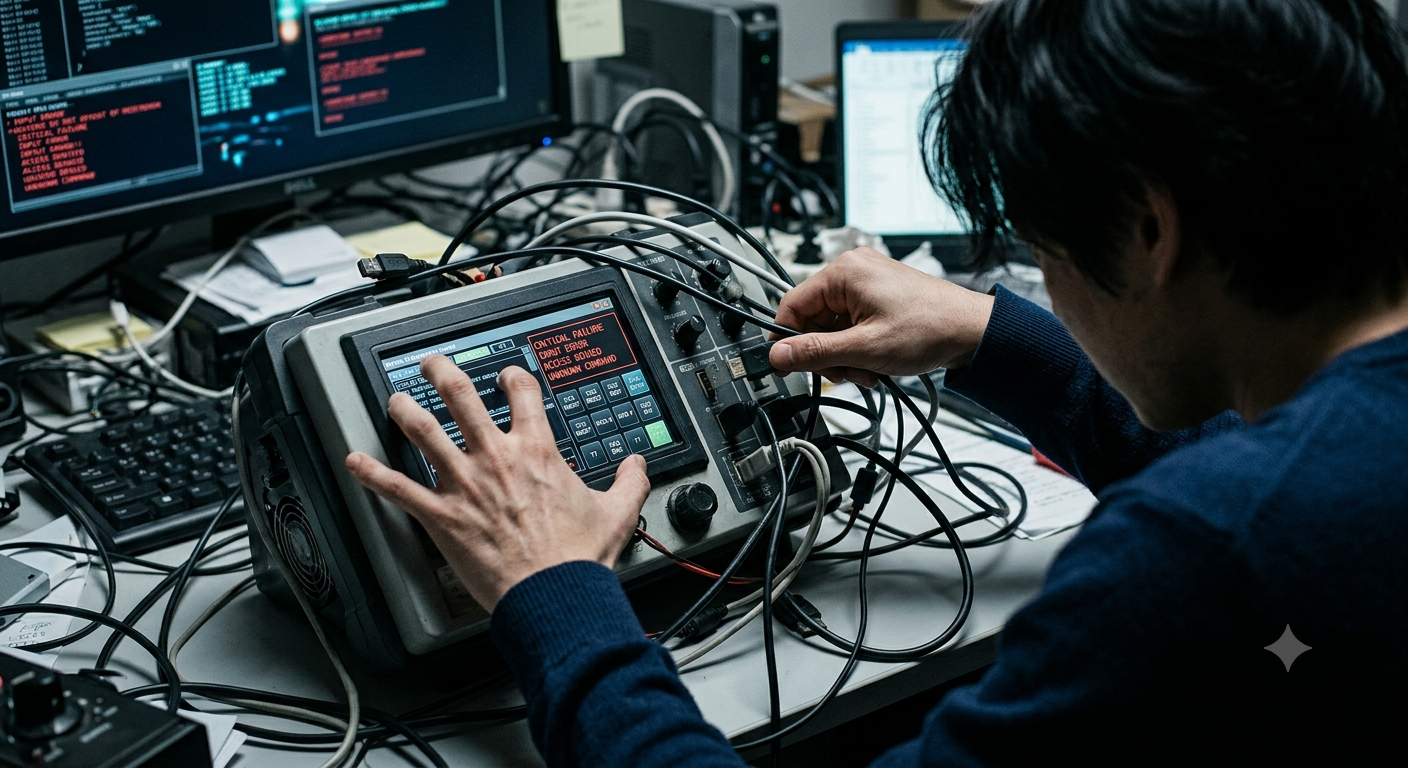
What happens when something goes wrong? How does a device or application get supported? And how can issues be resolved quickly and affordably?
Too many applications and devices today seem less interested in serving the person using them and more focused on forcing users into rigid, predefined pathways. Rushing to meet deployment deadlines before even the simplest usability questions are asked. We’ve all felt the frustration of fighting with a software interface that demands unnecessary clicks, or dealing with a physical device that ignores basic human intuition.
To build user interfaces and products that truly work, designers need to step into the shoes of the people who actually interact with them and broaden their definition of who a “user” really is
“You’ve got to start with the customer experience and work backwards to the technology.”
Steve Jobs [1997 Apple Worldwide Developers Conference (WWDC)]
Personal Experience
I have been at all parts of this equation, from designing new products to supporting customers with issues. From installing devices as an end user to supporting those same devices once installed.
As a customer, I have found that sometimes, trying to get timely support is like trying to squeeze blood from a stone. As a person designing a device into an end user product, and supporting that device, I have found serious short comings in the software and support provided.
In some cases, I have been forced to write my own scripts and software. So that the devices can be more easily supported once installed.
Frictionless and Focused
At its core, good interface design starts with a focus on the person on the other side of the screen or button. Before adding feature sets or slick visual flair, design teams should be asking fundamental, empathetic questions:
- What does the user need most? And how fast can we get them there?
- Can this workflow be streamlined?
- What happens when something goes wrong? How do we help them recover gracefully?
- How do we make this feel effortless?
The goal should always be to reduce load by eliminating unnecessary hurdles so users can accomplish their goals and move on with their day.
However, real world conditions aren’t always ideal. Factors outside your control will inevitably cause issues. Whether it’s user error, operating system updates, or signal interference. A great interface or device accounts for these variables rather than breaking when they occur.
The Forgotten Users in Support, Maintenance, and Lifecycle
In enterprise environments, the problem often runs deeper. Companies routinely deploy hardware and software with zero vision for the product’s long-term future, forgetting that the “end user” is only one part of the equation.
A truly well-designed product accounts for three critical user groups:
The Primary End User:
Intuitive workflows, speed, minimal friction, clear feedback.
Support Personnel:
Clear error logging, diagnostic tools, easily accessible settings, and good documentation that anticipates potential issues.
Technicians & Maintenance:
Modular parts, easy physical access, and straightforward repair pathways. Including firmware updates from the command line/terminal.
Putting It Into Practice (Remote Deployments)
Consider a common real-world scenario: A device is installed on a remote machine, accessible only through remote desktop software or automated scripts.
When you put yourself in the customer’s shoes during design, you have to ask practical, scenario-based questions:
- The software needs an update: How can that be executed remotely with minimal disruption to operations?
- A configuration setting needs to change: Is there a streamlined way to push this change remotely?
- An unexpected error occurs: Can the system recover or be reset remotely, or will it require sending a technician on-site just to power-cycle the hardware?
Sometimes, solving these problems doesn’t require complex UI overhauls. Just a simple, reliable command-line script is all it takes.
The Mindset Every Designer Needs
Before signing off on a design, every team member should run through this quick persona check:
As an Engineer:
How will I support this device or software when it breaks?
As an End User:
How easily can I accomplish my daily task using this interface?
As an Installer:
How smoothly can I deploy or upgrade this system?
As an On-Site Technician:
Can I get this device back up and running quickly? Is it a quick “swap and repair later” unit, or can it be fixed on the spot with minimal downtime?
If a device is impossible for IT to support, or a pain for a technician to repair, the product design has failed regardless of how pretty the device or screen looks to the customer.
The Bottom Line
If a device is impossible or difficult for IT to support, or a pain for a technician to repair, the product design has failed!
Putting yourself in the customer’s shoes isn’t just a design philosophy; it’s a smart, long-term operational strategy. When creators ask the hard questions upfront about usability, error handling, supportability, and repair, they build products that earn genuine loyalty.
It’s time to stop making people adapt to technology, and start making technology respect the people who rely on it.
Lets finish this off with the Steve Jobs quote again. Because it makes a lot of sense.
“You’ve got to start with the customer experience and work backwards to the technology.”
Steve Jobs [1997 Apple Worldwide Developers Conference (WWDC)]