
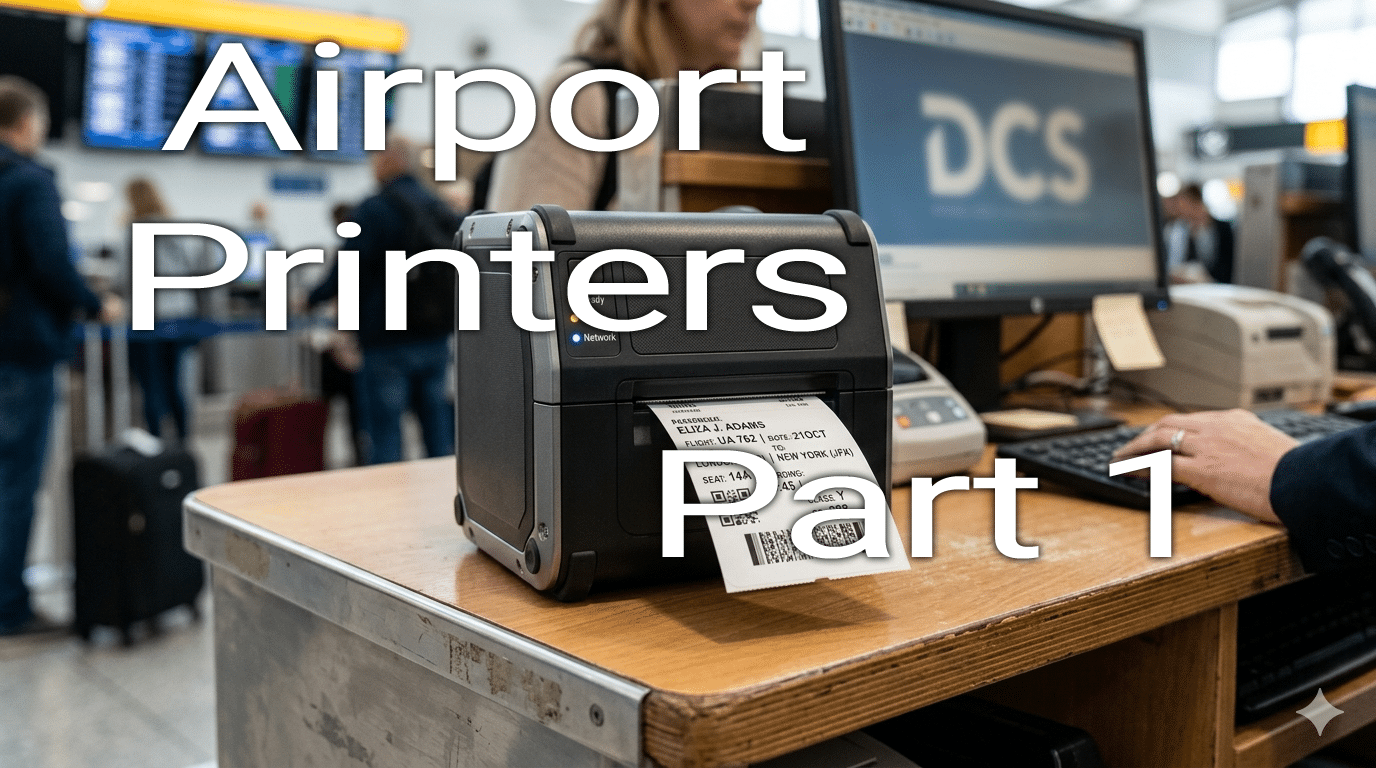
Engineering for the Airport: A Guide to Designing Reliable Aviation Printers (Part 1)
Airports are high pressure, fluid environments where operational delays cascade rapidly through global networks. At the heart of passenger processing sit critical hardware components: Boarding Gate Readers (BGR), Baggage Tag Printers (BTP) and Boarding Pass Printers (BPP). When a printer fails at a check-in desk or a self-service kiosk, queues form, flights face potential delays, and passenger satisfaction plummets.
For hardware engineers and firmware developers building for the aviation sector, engineering a printer isn’t just about applying heat to paper. It is about understanding the unique communication protocols and mechanical resilience required to survive the terminal floor. In this world of internet and ethernet, the aviation printers quite often still require serial ports to work.
1. Navigating the Protocol Landscape: AEA to ITPS
Airport hardware operates in a shared environment. Under Common Use Terminal Equipment (CUTE) and Common Use Passenger Processing Systems (CUPPS) platforms, a single printer must seamlessly interact with multiple airlines and different Departure Control Systems (DCSs).
Historically governed by the Association of European Airlines (AEA), these standards were transitioned to the International Air Transport Association (IATA) under the IATA Technical Peripheral Specifications (ITPS) (formerly known as the AEA Technical Specification).
The Multi-Version Compatibility Mandate:
Airlines upgrade their software at vastly different paces. A printer deployed today might interface with a modern DCS using the newest ITPS releases, or it might be plugged into a legacy platform locked into older standards. To ensure market viability, your firmware must natively support a broad matrix of releases. From legacy AEA 2016 specifications right up to the current ITPS standards. If your printer cannot interpret the historical commands used by an airline’s legacy DCS, it is effectively obsolete upon arrival.
The Old & The New:
These specifications are from an era where costs were incurred for each character transmitted to the airport. This necessitated that pectabs (BTPs/BPPs/ATBs) and templates (ATBs/BPPs) were used in order to cut down on the amount of data transmitted for each passenger.
2. Core Firmware Architecture & Data Handling
To support the multi-airline reality of CUPPS, your firmware architecture must handle highly sophisticated data states:
- Multi-User & Multi-Context Capabilities: The printer must be able to manage data streams from completely different airline applications simultaneously. It must isolate the print settings, memory buffers, and active configurations of User A (Airline 1) from User B (Airline 2) without requiring a hard reboot.
- Parametric Tables (PECTABs) and Templates: Aviation printing relies heavily on PECTABs to define the layout, data fields, and structural formatting of tickets. BPPs and BTPs require robust handling of variable templates (Automated Ticket and Boarding Pass/BPP formats) to arrange passenger data dynamically.
- Unsolicited Status Reporting: In a fast-paced environment, the host application cannot constantly poll the printer for its state. Your device must support Unsolicited Status messages by instantly pushing telemetry to the DCS the instant an event occurs (e.g. paper low, paper jam, cover open, or hardware error).
- Binary Logo Handling: Airlines frequently push custom branding via binary image data. Your flash and RAM memory allocation must efficiently cache and render these binary logos without degrading processing speeds. Take care when handling these logos as they could contain the framing characters used by the communication protocol.
3. Mechanical Intelligence & Media Management
Baggage tags and boarding passes are expensive, specialized stocks. Wasting media or jamming mechanisms costs airports money and time.
- Zero-Waste Media Loading: Printers must be engineered to detect the front edge of the stock immediately upon loading or closing the housing. This calibration must occur automatically, pulling the paper to the exact ready-to-print index point without forcing the agent to feed and tear off a wasted “test” tag.
- Dynamic Tag Length Detection: Baggage tags frequently vary by airline or region, and some data does not hard code a static length into the print job. The printer must utilize adjustable optical sensors (such as reflective black-mark detectors or transmissive gap/hole sensors) to locate the end of the stock on the fly.
- Smart Mark Termination: If the stock does not match expected parameters, your firmware needs the intelligence to decide whether to terminate the print job immediately, report a successful print up to the mark, or flag a conditional error while continuing onto the next physical tag.
- Resilient Error Recovery: Jams and “out-of-stock” scenarios are inevitable. The mechanical path must be easily accessible to non-technical airport staff for quick clearing. Crucially, the firmware must remember its state: once a stock issue is resolved and the cover is closed, the printer should seamlessly resume the current print job if required by the application context, rather than dropping the data packet.
- Counting Used Stock: In some cases stock is treated as a controlled document. For example you cannot have two of the same baggage tag number in the system. So each print whether successful or failure or jammed or out of stock needs to be counted and accurately reported.
4. High-Performance Hardware Requirements
Speed and clarity are non-negotiable when processing hundreds of passengers an hour.
- Rapid Initialization (Boot Time < 10 Seconds): If an agent needs to power-cycle a printer, every second counts. The device must boot from a cold state, initialize all sub-systems, and connect to the CUPPS network in under 10 seconds. Long OS boot times or delayed firmware handshakes are unacceptable.
- Proactive Print Head Diagnostics: During the rapid power-on phase, the printer must perform a hardware check for print head dot failure. If critical heating elements are broken, it must report this fault instantly via its status channel so the device can be serviced before it prints unreadable, invalid tickets. It doesn’t take many dot failures for a 1D barcode to become unreadable.
- Barcode Precision & Field Adjustments: Security gates and baggage belts rely entirely on 1D and 2D barcodes (such as PDF417, QR Code, Data Matrix, and Aztec). Your print engine must accurately render these at high speeds (typically 180mm/s to 200mm/s or faster) at a crisp 203 to 300 DPI.
- Spatial Flexibility: The firmware must accommodate hardware physical limitations by supporting 180-degree print rotation and fine micro-adjustments along the X and Y axes. This ensures that text perfectly aligns with pre-printed stock fields and tear off tabs regardless of minor physical deviations in the paper rolls or fan-fold stacks.
- Consistent Output: Whether printing 203dpi or 300dpi, the output should always be the same. A customer should be able to hold 203dpi and 300dpi documents and not see any difference in the location or sizing of any of the print elements.
Pingback: Engineering for the Airport: A Guide to Designing Reliable Aviation Printers (Part 2) – Venalia Ltd.